See how Flux Checkout for WooCommerce looks for both customers and admin users.
How to install && Using Plugin:
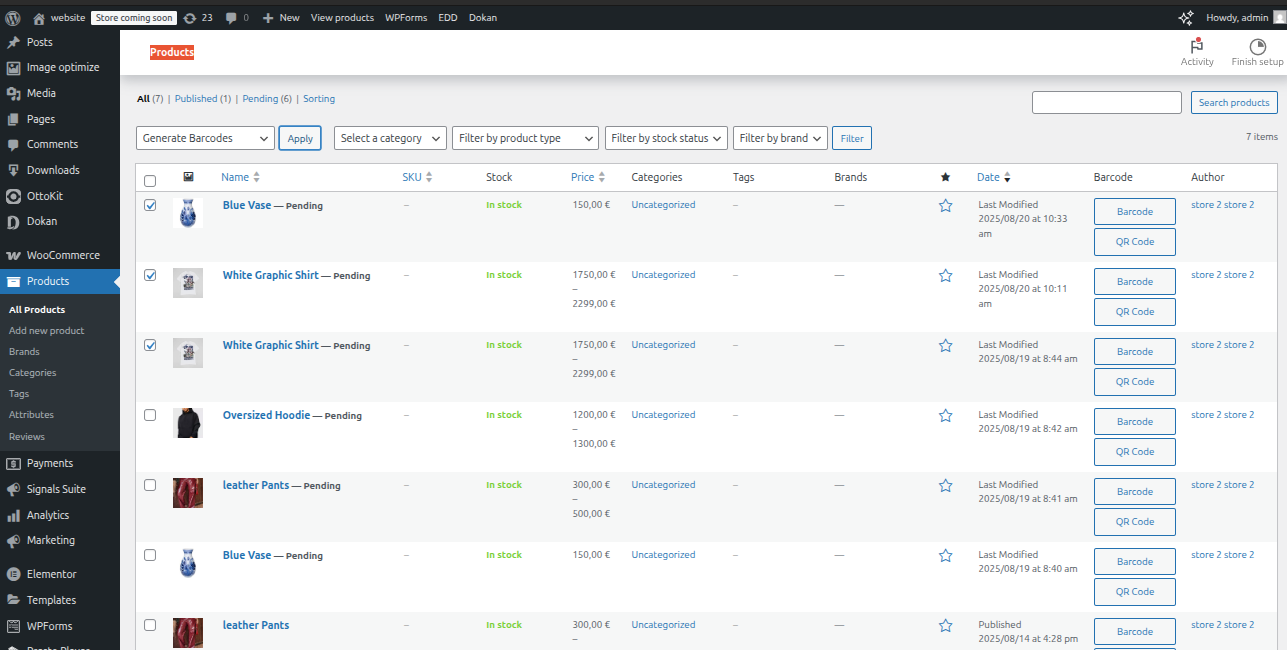
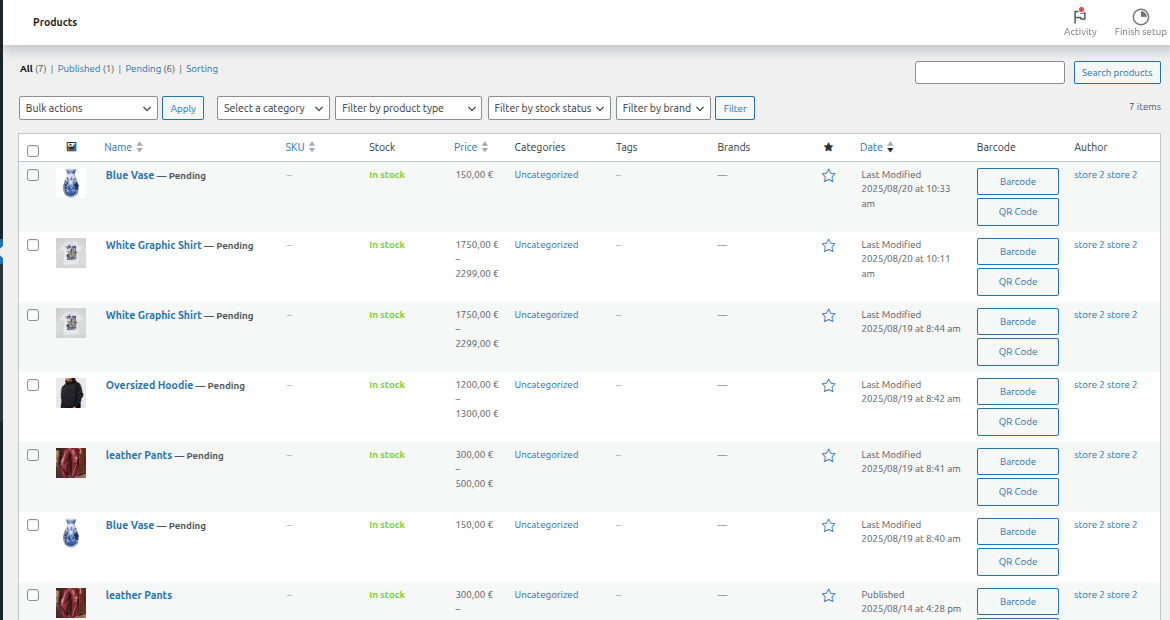
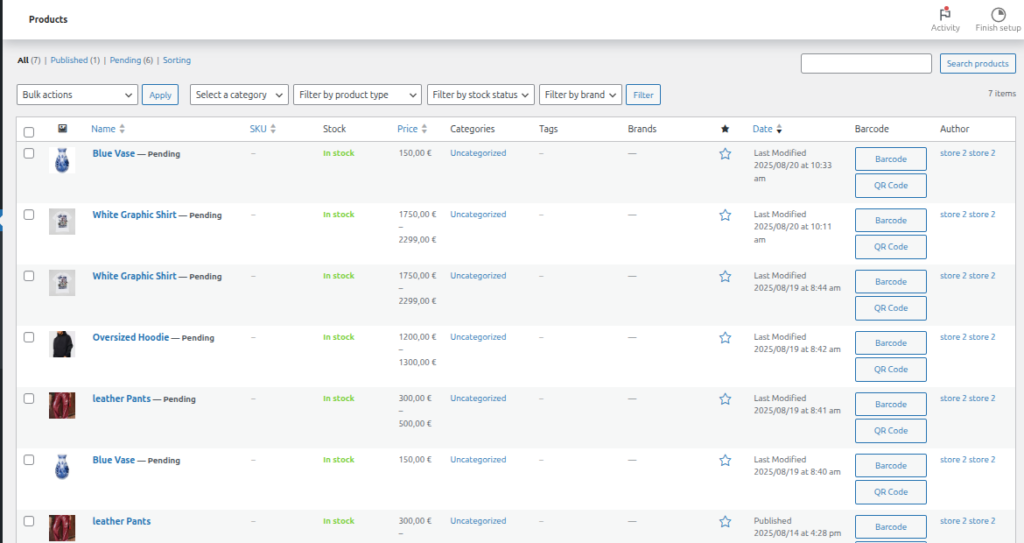
WooCommerce Products List with Barcode/QR Buttons
tandard WooCommerce “Products” admin screen showing several pending products (Blue Vase, White Graphic Shirt, Oversized Hoodie, etc.). Each product row has two buttons in the “Barcode” column: “Barcode” (for 1D) and “QR Code” (for QR version).
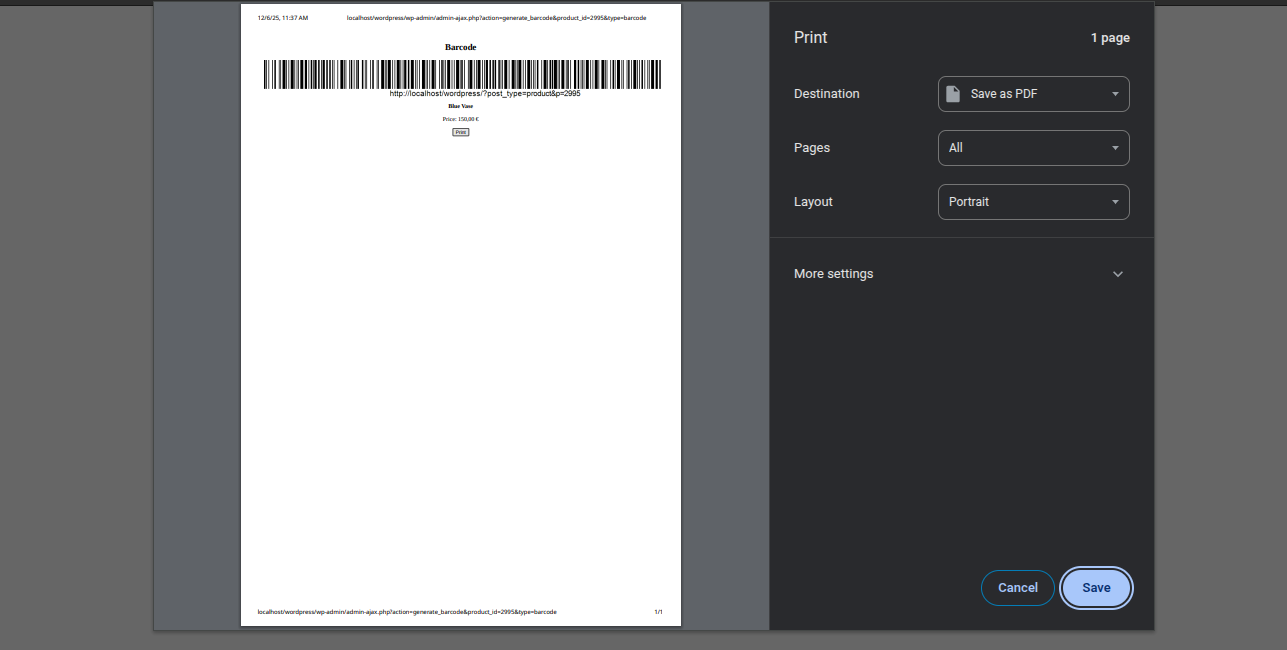
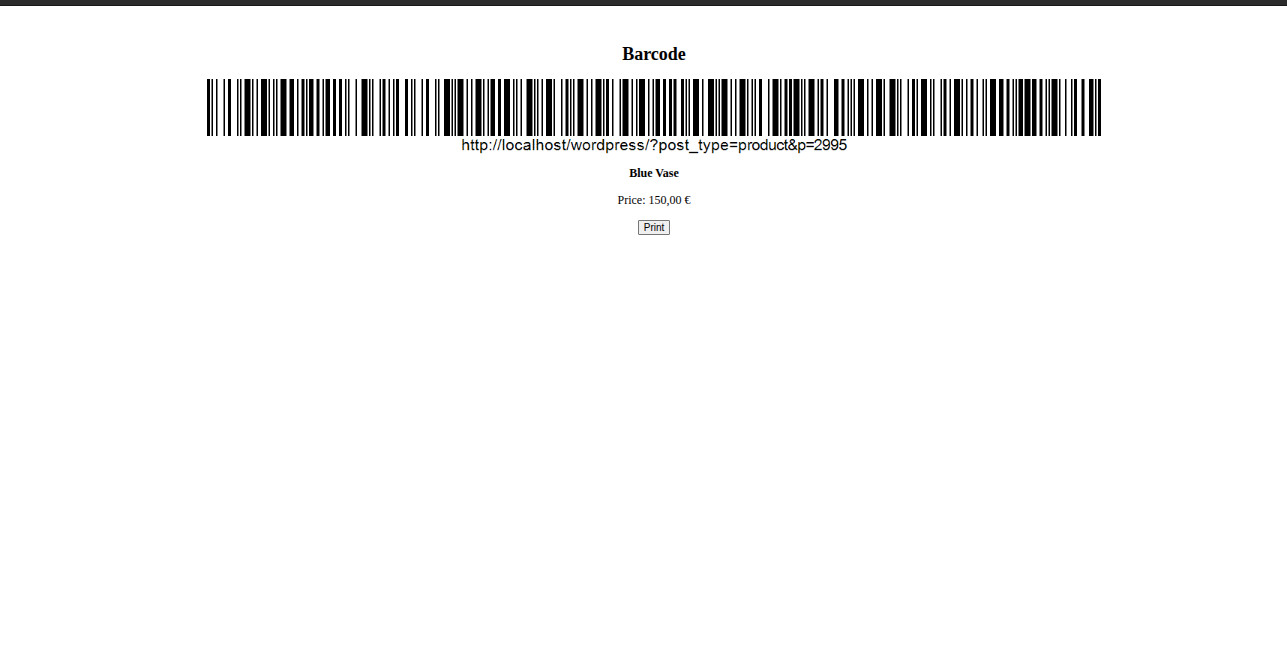
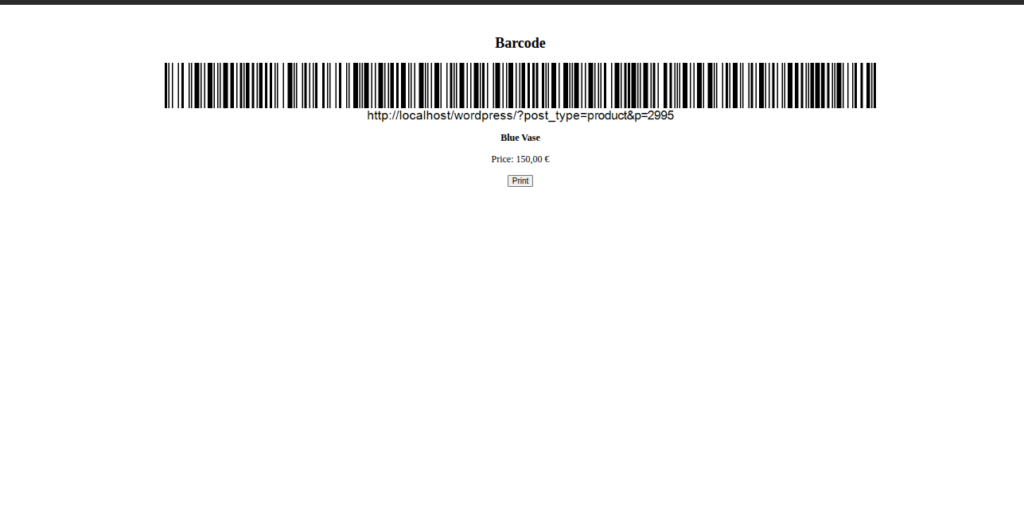
Single Product Barcode Print Preview
Correct print preview of a single product barcode label showing a large 1D barcode containing the product URL, product name “Blue Vase”, price “150,00 €”, and a “Print” button. This is the proper format when printing one barcode at a time.
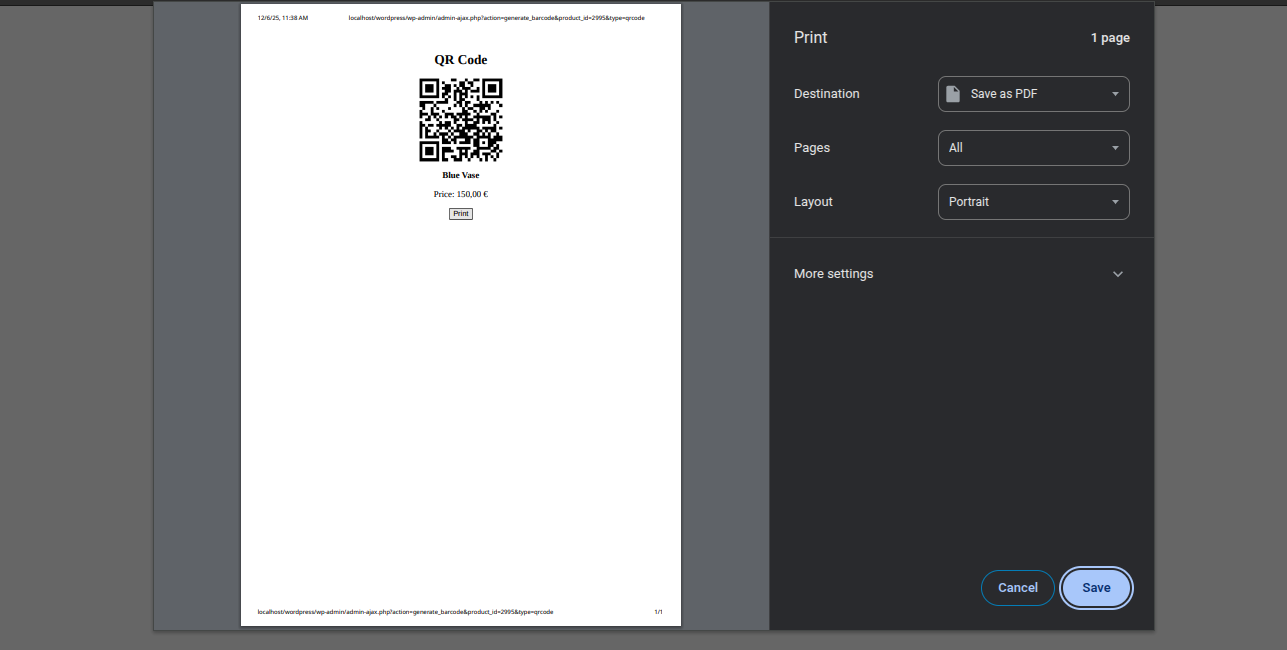
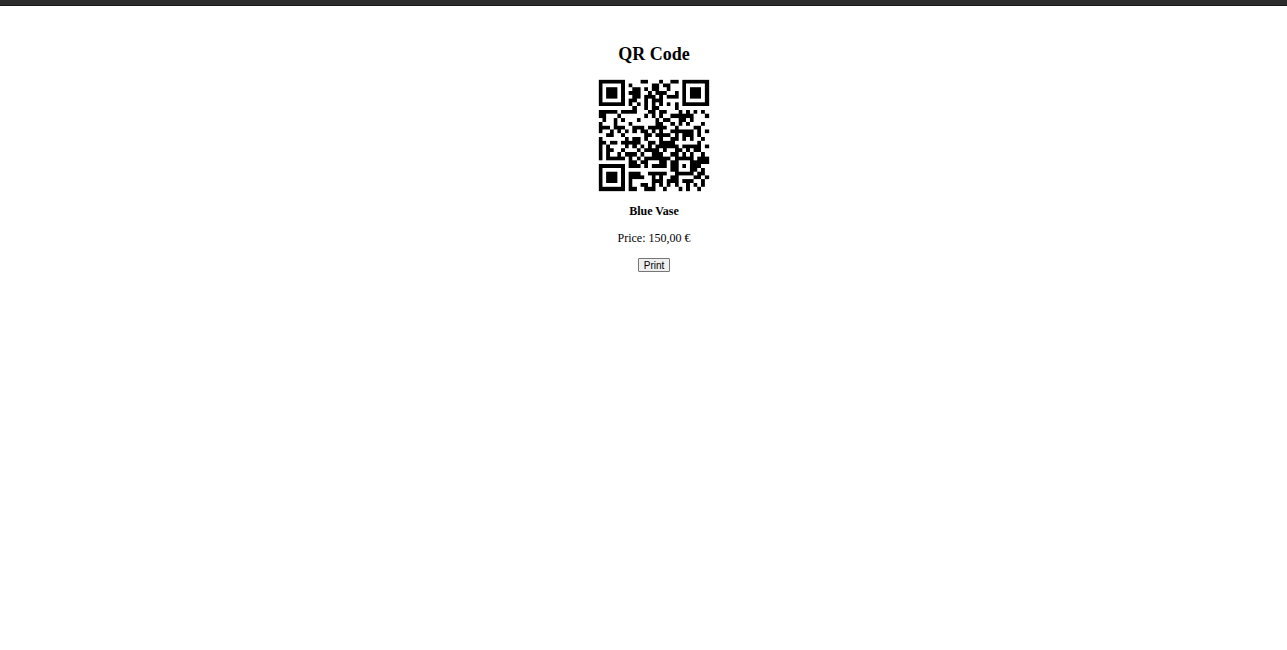
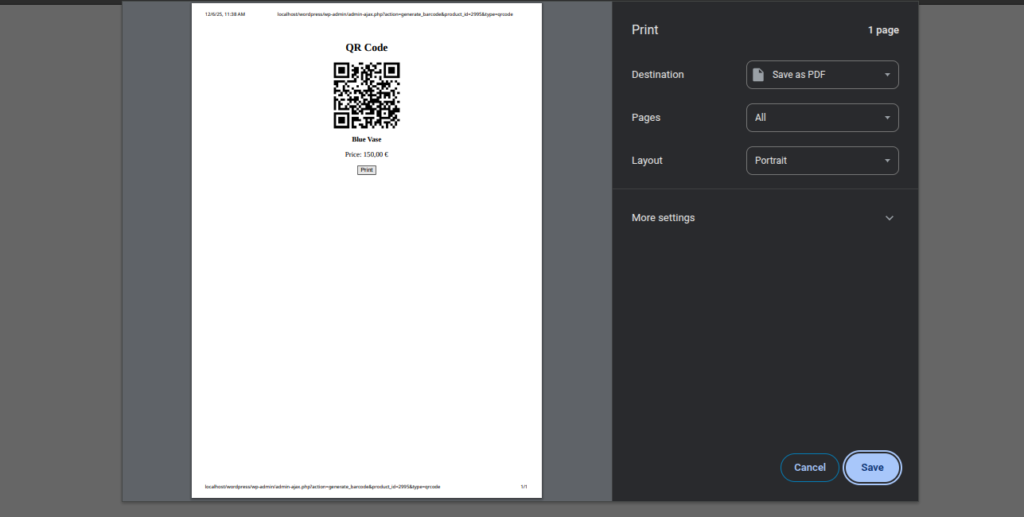
Product QR Code Print Preview
Correct print preview of a single product label containing a centered QR code, product name “Blue Vase”, price “150,00 €”, and a small “Print” button below. This is the expected layout for an individual product label.
Multi-Step Checkout
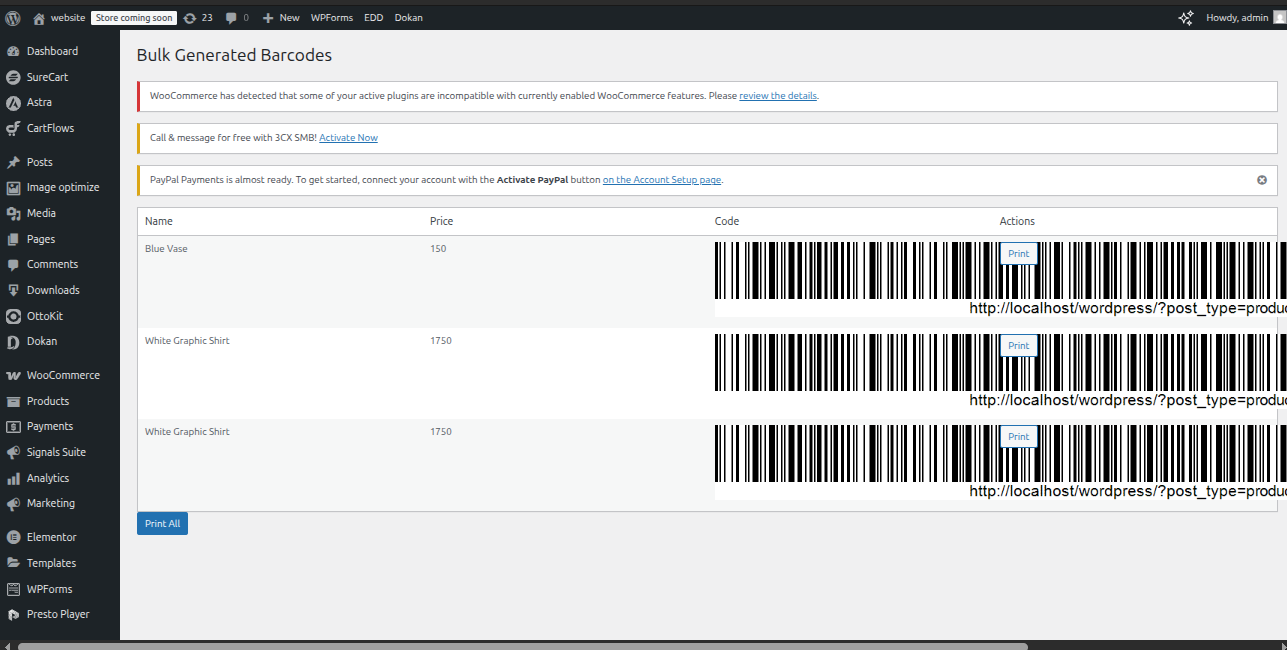
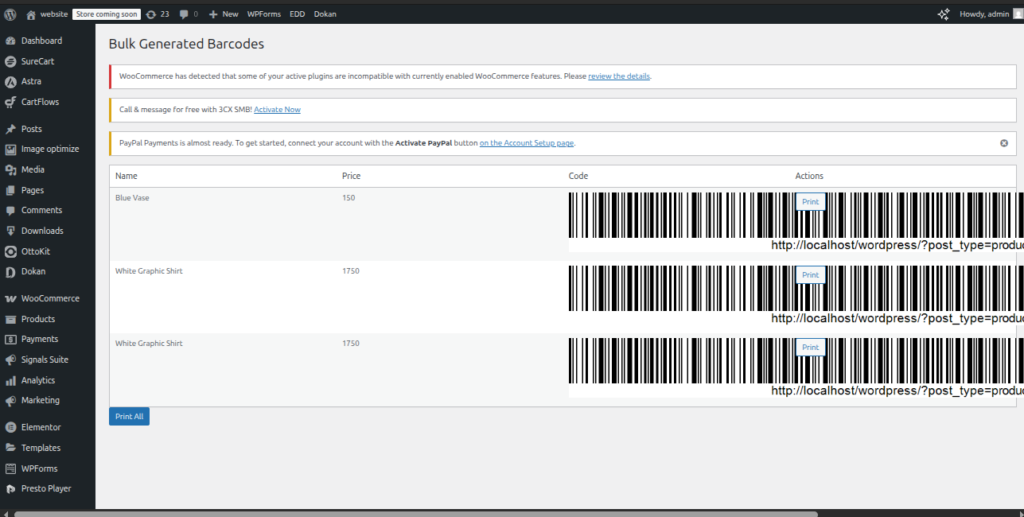
Bulk Print Preview
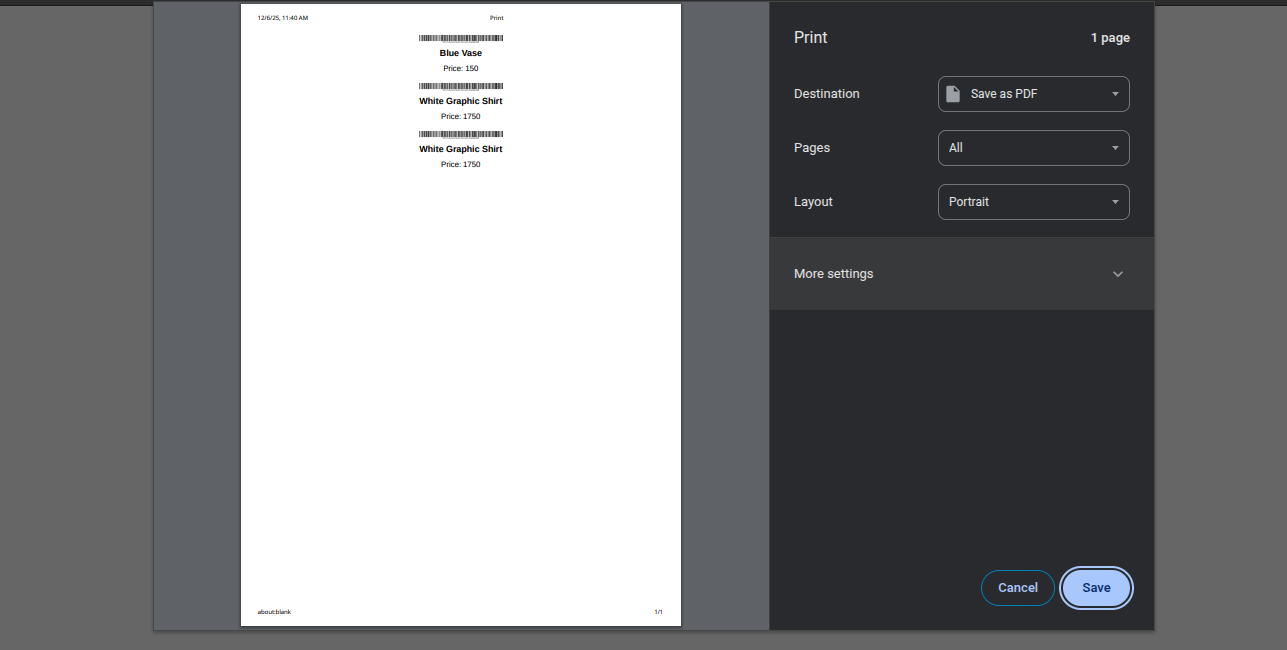
A print preview dialog showing a failed attempt to bulk-print barcodes. Instead of individual product barcodes, the page incorrectly lists product names and prices (Blue Vase 150, White Graphic Shirt 1750, etc.) as plain text with small barcode images above them
Have a Problem or Suggestion? We'd Love to Hear from You!